
Native Audio Generation: When to Keep It On and When to Skip
generate_audio is default true on Seedance 2.0. Here's when to keep it on, when to flip it off for a silent track, and what the lip sync tuning means for non English dialogue.
Seedance 2.0 ships with generate_audio: true default on every endpoint. You get a synced audio track baked into the MP4 with no extra call and no extra parameter. That is convenient most of the time and the wrong choice the rest of the time.
What you actually get with native audio on
When generate_audio is true, Seedance 2.0 produces dialogue (if your prompt has a speaking subject), ambient sound for the scene, and foley for on screen actions. Audio is encoded in the same MP4. No extra cost. Duration matches the video exactly. Sample rate is 48kHz stereo.
What you don't get: custom music, licensed tracks, or stem separated delivery. It is one baked track.
The lip sync quality note everyone asks about
ByteDance optimized lip sync for Chinese dialects first, then opera and singing as explicit training targets. Multi speaker works in English, Spanish, Japanese, Korean, and Mandarin. Lip sync lands in the high end of what's shipping right now. Prompting single speaker English looks good. Mandarin or Cantonese looks notably better because that's where the training weight sits.
Where it gets wobbly: fast code switching between languages in one clip, heavy non native accents, and anything with more than 3 speakers overlapping. If sync drifts, shorten the shot or split dialogue across clips.
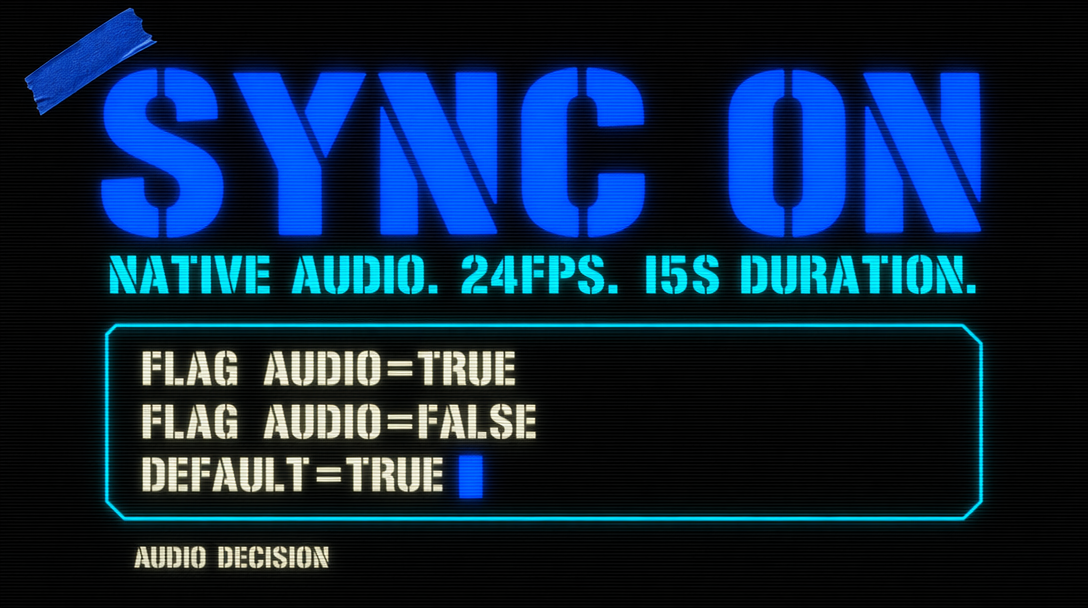
Five reasons to keep audio on
- Shipping straight to social without a post step. TikTok, Reels, Shorts all take baked audio clips as is.
- You want diegetic sound matching the scene. A dog barking, traffic on a street, wind in a forest. Seedance picks this up correctly more often than not.
- Client reels and pitch deck videos where audio makes it feel real even if you replace it later.
- Prompting dialogue and needing lip sync on the first take, not after a post pipeline.
- Tight iteration budget where one pass with audio beats two passes.
Five reasons to flip it off
- You have a composer or music supervisor. They want clean video to score against.
- Cutting multiple clips together. Baked audio on each means ducking, crossfading, or stripping before the mix.
- Producing for platforms with strict music licensing (broadcast, monetized long form). You want audio you own, not model audio whose provenance is opaque.
- Testing motion in a prompt sweep where generated dialogue distracts in review.
- Fast tier rough cuts where you re render winners on Standard. Keep Fast silent, final pass audible.
The flip is one boolean
1import { fal } from "@fal-ai/client";23const result = await fal.subscribe("bytedance/seedance-2.0/text-to-video", {4 input: {5 prompt: "Wide shot of a chef plating a dish in a warmly lit kitchen, steam rising, slow push in on the plate, dialogue: 'Service is on'.",6 resolution: "720p",7 duration: 8,8 aspect_ratio: "16:9",9 generate_audio: false10 },11 logs: true12});1314console.log(result.data.video.url);
That produces a silent 8 second clip. The dialogue line still drives lip movement, which you ADR in post with a real voice actor. Classic production pattern: model stages the performance, human voice on the final track.
A small gotcha around pricing
Audio does not cost extra per second. Same rate whether on or off. The only cost difference is latency: audio on calls take 15 to 20% longer. If you're running a batch of 500 drafts, flipping audio off on the rough pass shaves real wall clock time off the queue.
Recommended defaults by use case
- Social ads shipping in hours: audio on.
- Commercial work with sound designer attached: audio off.
- Prompt iteration sweeps: off during iteration, on for final render.
- Foreign language dubbed content needing native lip sync: on, prompt dialogue in target language directly.
- Silent film style pieces, music videos, abstract art: off.
The default of true is tuned for the single operator shipping fast. In a production pipeline with a separate audio lane, flipping it off is hygiene.